.page
max-width: 1200px
padding-top: 5.5rem
Centered content...
margin-bottom: 7.5rem
Layout patterns and CSS variables for scrollytelling stories.
The .page class provides a centered, width-constrained container for standard content pages. It's typically used with Nav and Footer components.
body flex-direction: column; min-height: 100dvhmain flex: 1Centered content...
<script>
  import { Nav, Footer } from '@the-vcsi/scrolly-kit';
</script>

<Nav />

<article class="page">
  <h1>Page Title</h1>
  <p>Content goes here...</p>
</article>

<Footer />Nav, Footer, and .page all use the same width/padding variables for consistent alignment:
| Variable | Default | Description |
|---|---|---|
--vcsi-page-max-width | 1200px | Maximum content width (shared by Nav, Footer, .page) |
--vcsi-page-inline-padding | 5% | Side padding (shared by Nav, Footer, .page) |
--vcsi-nav-height | 4.5rem | Nav height (.page has padding-top to clear it) |
--vcsi-bottom-padding | 7.5rem | Bottom padding for pages and stories |
The .story class is the main container for scrollytelling content. It provides:
Title & intro text...
More prose content...
<article class="story">
  <h1>Story Title</h1>
  <p>Centered prose content...</p>

  <section class="split-layout">
    <!-- Layout breaks out to full width -->
  </section>

  <p>Back to centered prose...</p>
</article>| Variable | Default (Light) | Default (Dark) | Description |
|---|---|---|---|
--vcsi-story-bg | #f4efea | #353839 | Story background color |
--vcsi-story-fg | rgb(55, 55, 55) | white | Story text color |
--vcsi-story-max-width | 600px | Max width for prose content | |
Add data-theme="dark" for dark stories:
<article class="story" data-theme="dark">
  <!-- Dark background, light text -->
</article>Two-column layout with a sticky visualization panel and scrolling content. While it breaks out of the prose max-width, it maintains its own side padding (2rem by default) rather than going edge-to-edge like .fullscreen-layout.
Title & intro text...
More prose content...
<section class="split-layout">
  <div class="sticky-panel">
    <!-- Your visualization component -->
  </div>
  <div class="scrolly-content">
    <!-- ScrollyContent or custom steps -->
  </div>
</section>

<!-- Reversed: panel on left -->
<section class="split-layout reversed">
  ...
</section>| Variable | Default | Description |
|---|---|---|
--vcsi-panel-width | 45% | Width of sticky panel |
--vcsi-panel-min-width | 450px | Minimum panel width |
--vcsi-panel-height | min(80vh, 600px) | Panel height |
--vcsi-panel-top-offset | auto-centered | Vertical position of sticky panel |
--vcsi-layout-gap | 2rem | Gap between columns |
--vcsi-content-padding-inline | 2rem | Horizontal padding for the layout |
--step-height | 90vh | Vertical space between steps |
--spacer-height | 65vh | Height of top/bottom spacers |
On screens <768px, the layout stacks with the sticky panel as a full-screen background and content overlaying it.
To give the visualization more space while capping its absolute width:
.split-layout {
  --vcsi-panel-width: 60%;
  --vcsi-panel-min-width: 400px;
}

.sticky-panel {
  max-width: 700px;
}
The grid uses minmax(min-width, width), so the panel scales between the min and percentage values. Adding max-width on .sticky-panel caps the absolute size on wide screens.
Full-viewport immersive layout for dramatic visualizations.
margin-left: calc(-50vw + 50%) breaks out of container<section class="fullscreen-layout">
<div class="sticky-panel">
<!-- Full-viewport visualization -->
</div>
<div class="scrolly-content">
<!-- Overlaid step boxes -->
</div>
</section>| Variable | Default | Description |
|---|---|---|
--vcsi-step-max-width | 500px | Max width of step boxes |
--vcsi-step-padding | 2rem | Padding inside steps |
--vcsi-step-pointer-events | none | Allows clicks to pass through to panel |
By default, step boxes are horizontally centered via margin: 0 auto on .scrolly-content. Override to position them differently:
/* Left-aligned steps */
.fullscreen-layout .scrolly-content {
  margin-left: 2rem;
  margin-right: auto;
}
The margin-left: auto / margin-right: auto pattern pushes the content to the opposite side. Add a fixed margin on the aligned side for padding from the edge.
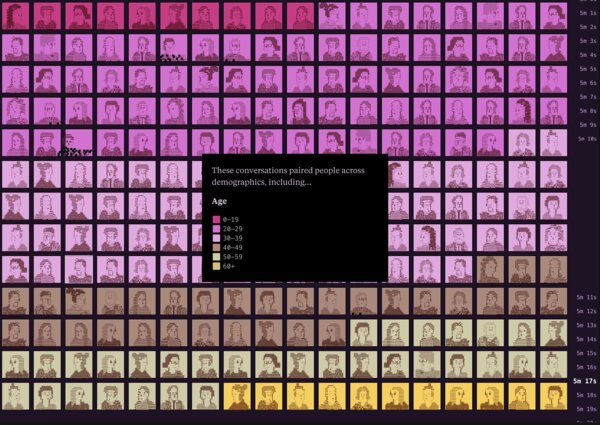
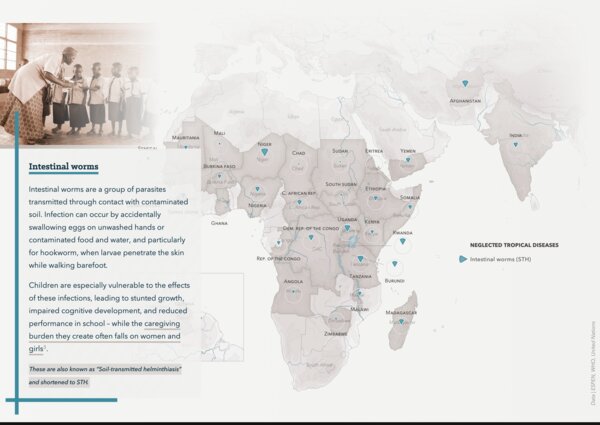
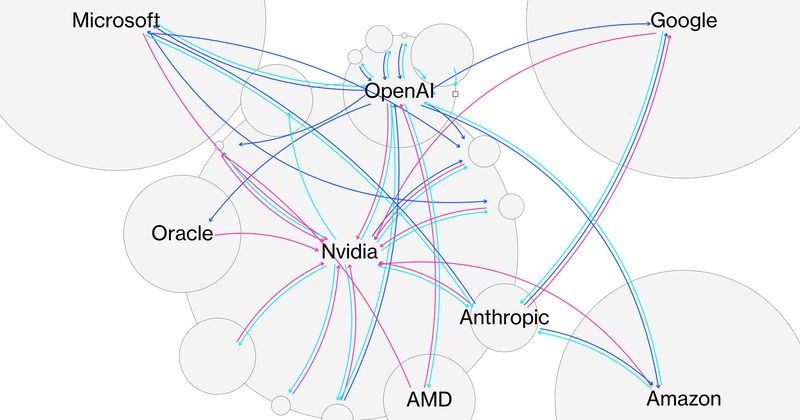
Inspiring fullscreen scrollytelling stories from around the web.
Sidebar + main content for interactive data dashboards.
<article class="dashboard-layout">
  <aside class="dashboard-sidebar">
    <button class="sidebar-toggle">...</button>
    <div class="sidebar-content">
      <!-- Filters, controls -->
    </div>
  </aside>
  <main class="dashboard-main">
    <!-- Visualization -->
  </main>
</article>| Variable | Default | Description |
|---|---|---|
--vcsi-sidebar-width | 280px | Sidebar width when open |
--vcsi-sidebar-collapsed-width | 48px | Sidebar width when collapsed |
--vcsi-sidebar-bg | #ebe6e1 | Sidebar background |
--vcsi-sidebar-transition | 300ms ease | Animation timing for collapse/expand |
--vcsi-z-overlay | 1000 | Z-index for mobile overlay |
Toggle .sidebar-collapsed class on .dashboard-layout to collapse/expand.
On mobile, sidebar becomes a slide-down drawer. Toggle .sidebar-open class to show.
Step boxes in scrolly layouts use these CSS variables for colors and sizing. These apply to both .split-layout and .fullscreen-layout.
| Variable | Light | Dark | Description |
|---|---|---|---|
--story-step-bg | #fff | #2a2a2a | Active step background |
--story-step-fg | #333 | #e8e8e8 | Active step text color |
--story-step-bg-inactive | #f5f5f5 | #222 | Inactive step background |
--story-step-fg-inactive | #ccc | #666 | Inactive step text color |
--step-box-shadow | 1px 1px 10px rgba(0,0,0,0.2) | Step box shadow | |
--step-max-width | 600px | Maximum width of step box | |
--step-padding | 1rem | Padding inside step box | |
--step-border-radius | 5px | Step box corner radius | |
--step-text-align | center | Text alignment in steps | |
--story-step-* variables control colors and are typically set globally in app.css for consistent theming across your story. --step-* variables control layout and can be set per-section for local customization.
.split-layout {
  --story-step-bg: #154734;
  --story-step-fg: #fff;
}
For a minimal look where only text floats over the visualization:
.split-layout {
  --story-step-bg: transparent;
  --story-step-bg-inactive: transparent;
  --step-box-shadow: none;
} Design tokens available throughout your project. See tokens.css for the full source.
| Variable | Value | Description |
|---|---|---|
--vcsi-color-accent | #154734 | Brand accent (UVM Green) |
--vcsi-color-uvm-green | #154734 | UVM Green |
--vcsi-color-uvm-gold | rgb(255, 209, 0) | UVM Gold |
--vcsi-color-beige | #f4efea | Warm beige |
--vcsi-gray-100 to 900 | scale | Gray scale (100, 200, 300, 400, 600, 700, 800, 900) |
| Variable | Description |
|---|---|
--vcsi-bg | Background color |
--vcsi-fg | Text color |
--vcsi-border | Border color |
--vcsi-hover | Hover state |
--vcsi-link | Link color |
--vcsi-muted | Muted/secondary text |
--vcsi-code-bg | Code block background |
--vcsi-code-fg | Code text color |
| Variable | Default |
|---|---|
--vcsi-font-sans | "Atlas Grotesk", system-ui, sans-serif |
--vcsi-font-serif | "Baskerville", Georgia, serif |
--vcsi-font-mono | "Atlas Typewriter", "SF Mono", monospace |
--vcsi-font-heading | var(--vcsi-font-serif) |
| Variable | Range |
|---|---|
--vcsi-font-size-giant | 3rem → 4rem |
--vcsi-font-size-xl | 1.8rem → 3rem |
--vcsi-font-size-lg | 1.5rem → 2.5rem |
--vcsi-font-size-md | 1.25rem → 1.75rem |
--vcsi-font-size-base | 1.125rem → 1.25rem |
--vcsi-font-size-small | 1rem → 1.125rem |
--vcsi-font-size-xs | 0.875rem → 1rem |
| Variable | Value |
|---|---|
--vcsi-font-weight-light | 300 |
--vcsi-font-weight-regular | 400 |
--vcsi-font-weight-medium | 500 |
--vcsi-font-weight-semibold | 600 |
--vcsi-font-weight-bold | 700 |
--vcsi-line-height-tight | 1.17 (headings) |
--vcsi-line-height-snug | 1.33 (subheadings) |
--vcsi-line-height-normal | 1.5 (body) |
--vcsi-line-height-relaxed | 1.6 (long-form) |
| Variable | Value |
|---|---|
--vcsi-space-xs | 0.25rem |
--vcsi-space-sm | 0.5rem |
--vcsi-space-md | 1rem |
--vcsi-space-lg | 1.5rem |
--vcsi-space-xl | 2rem |
--vcsi-space-2xl | 3rem |
| Variable | Value |
|---|---|
--vcsi-radius-sm | 3px |
--vcsi-radius-md | 6px |
--vcsi-radius-lg | 8px |
--vcsi-radius-full | 9999px |
| Variable | Value |
|---|---|
--vcsi-transition-fast | 150ms ease |
--vcsi-transition-base | 200ms ease |
--vcsi-transition-slow | 300ms ease |